Insert notes to the recipe
From the recipes’ addition/modification page

It is possible to type a text describing the preparation of the recipe that will be displayed at any time during the production pressing the button 
To add/modify the text, press the button and edit it using the touch keyboard
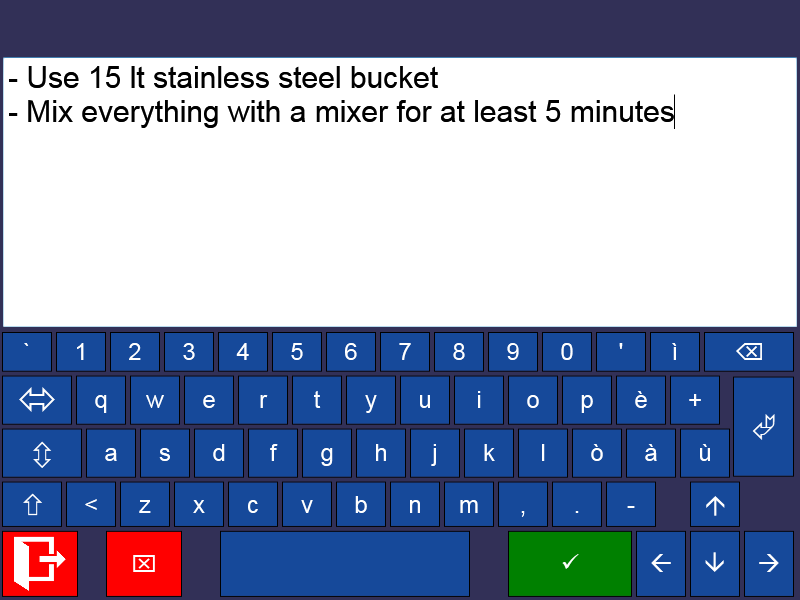
Confirm the typed text pressing the button  and return to the recipes’ home page
Press  to undo the addition
Press  to display the ingredients’ page. Press again to save the changes and return to the recipes’ list.