Switching on
Before switching on, make sure there isn't any weight on the plate of the scale to allow a correct zeroing of the weighing system.
Pushing the button there is on the lower part of the monitor, a blue LED will show Calybra is switched on.
Within one minute, after the switching on phase and the automatic zeroing, the underlying screen will be displayed
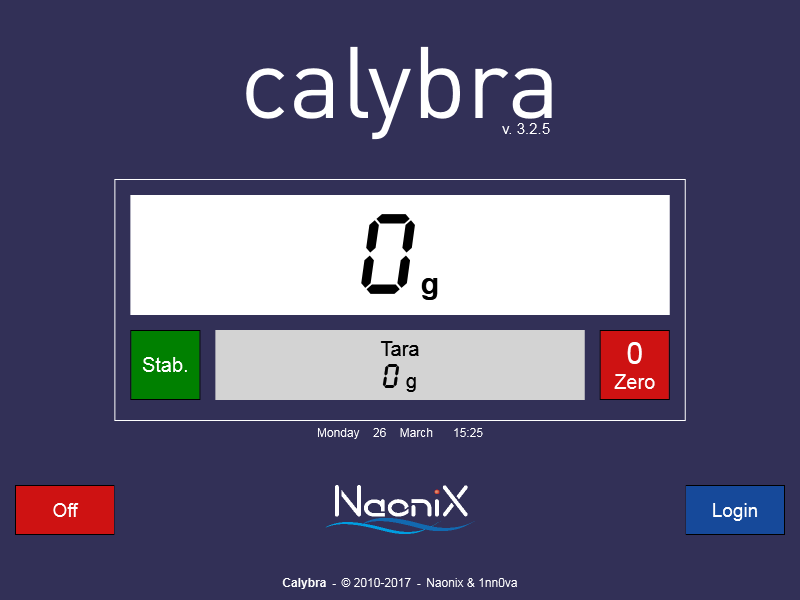
Calybra works as a normal scale with tare.
Press the button  to reset the weight
Press the button  to switch off Calybra
Press the button  to enter the main menu
Indication of weight’s stability:  Stable
  Unstable
If the notice “Press 0” appears
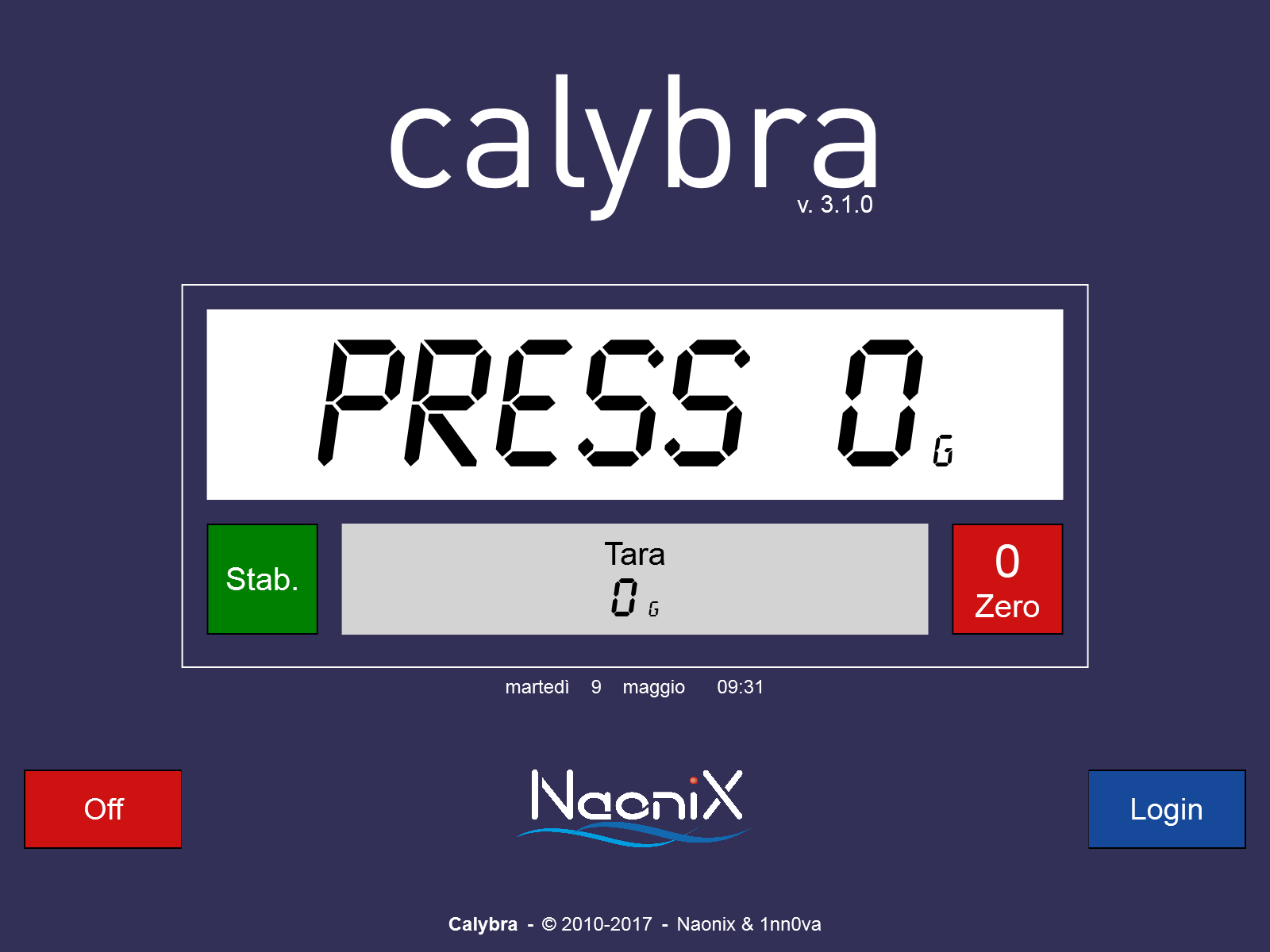
it is necessary to press the button to reset the weight.
If the starting window doesn’t appear
clear away any possible object from the plate, check if the 5 feet are correctly adjusted and start Calybra again.
If the notice “Press 0” continues, call the customer assistance.